
iPhone, iPad and Android
The Exlink Mobile App
Your participants, host families and team members get their program on their phone. They sign in with the account they already use on the web — there is no separate registration.

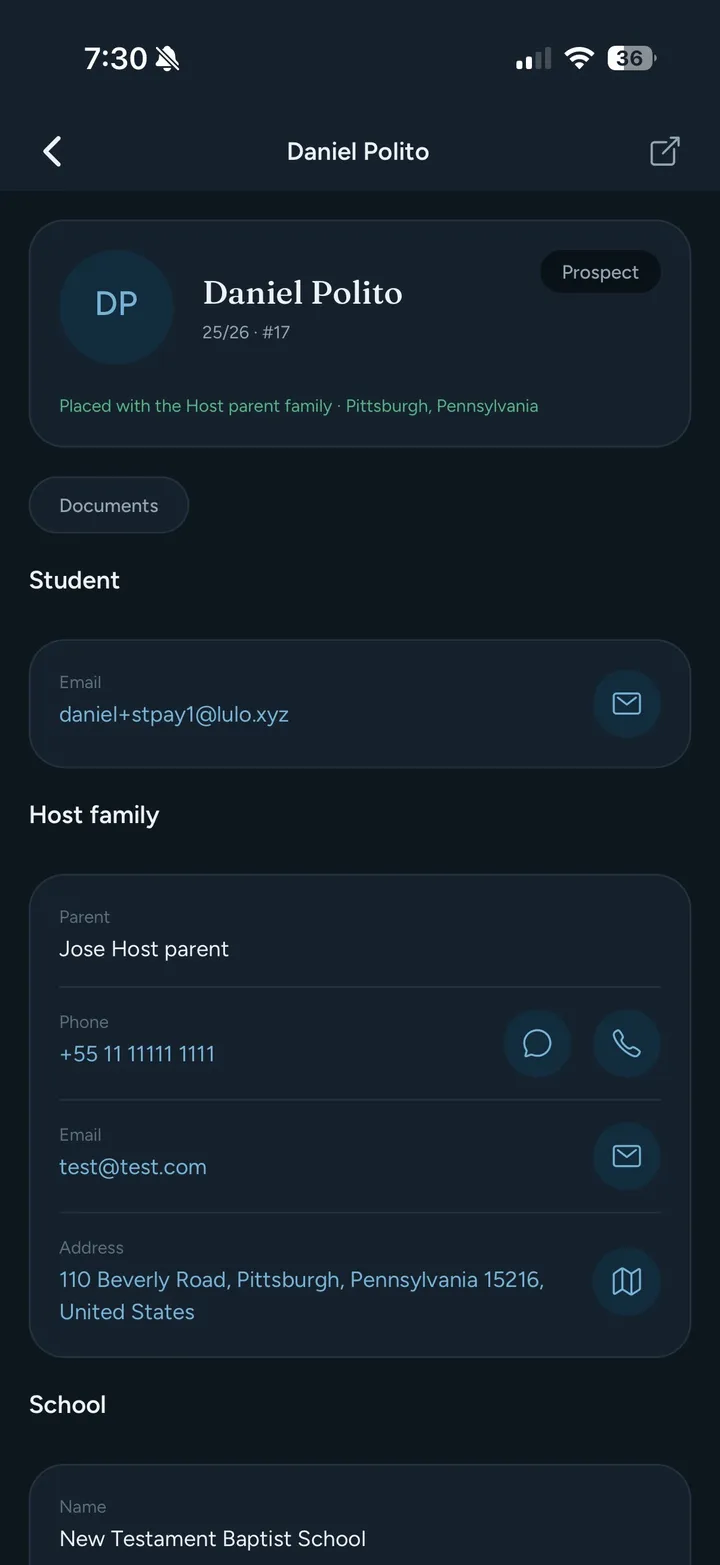
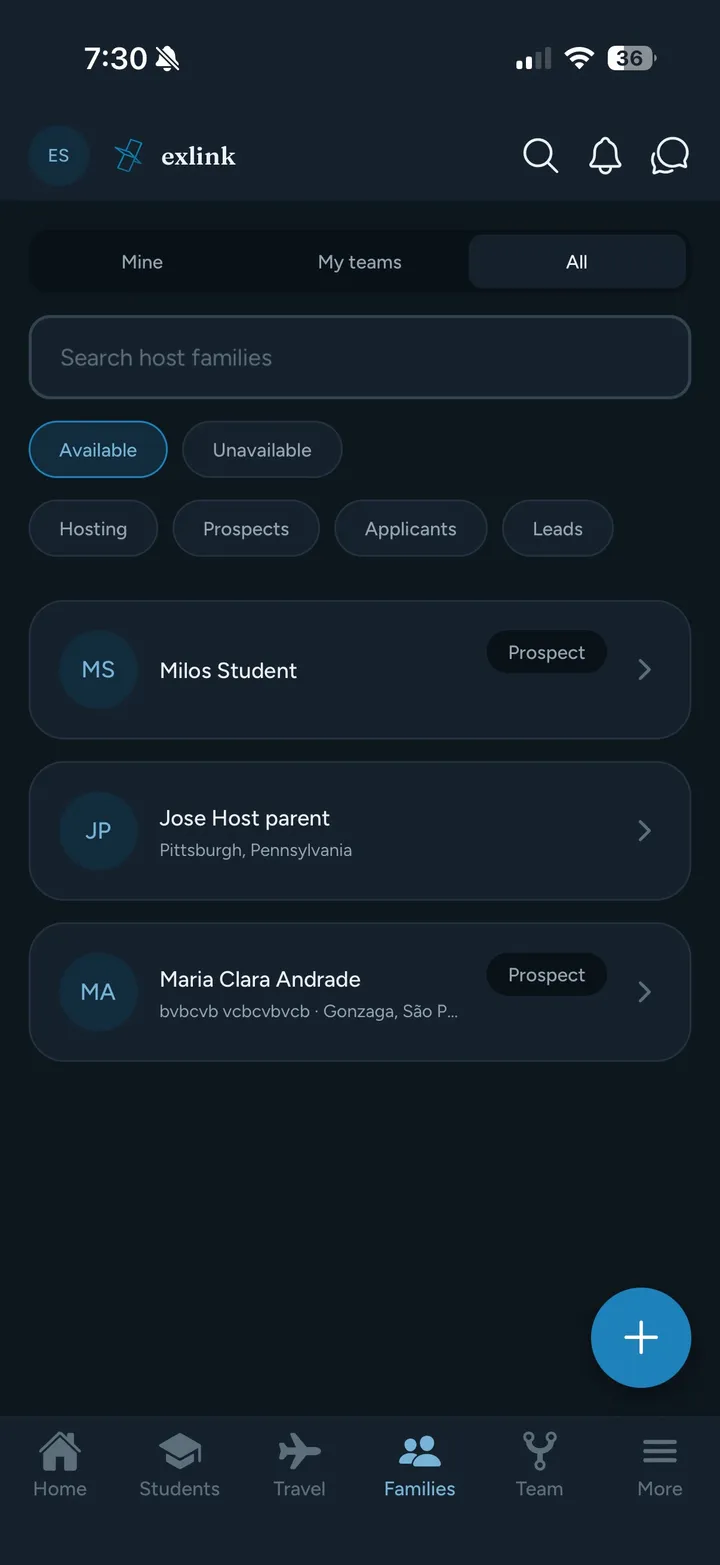
The Exlink app is the mobile companion to the platform your team already runs your program on. Participants, host families and field staff install it from the App Store or Google Play and sign in with their existing Exlink account.
What appears in the app is controlled by you, per role, exactly as on the web. Nothing is switched on for your accounts without your say.
What They Get on Their Phone
Everything a participant or host family needs from your program, in one place.
Program Details at a Glance
Placement, school, and coordinator and representative contacts, one tap away.
Announcements and Messages
Announcements and direct messages from your team, delivered straight to their phone.
Documents and Travel Plans
Requested documents and travel plans in one place, instead of scattered across email threads.
Knowledge Base and Materials
Your knowledge base articles, marketing materials and links — the same ones you publish on the web.
Emergency Alert
An alert that reaches your own support team, with the participant's location if they choose to share it. It does not contact public emergency services.
AI Assistant
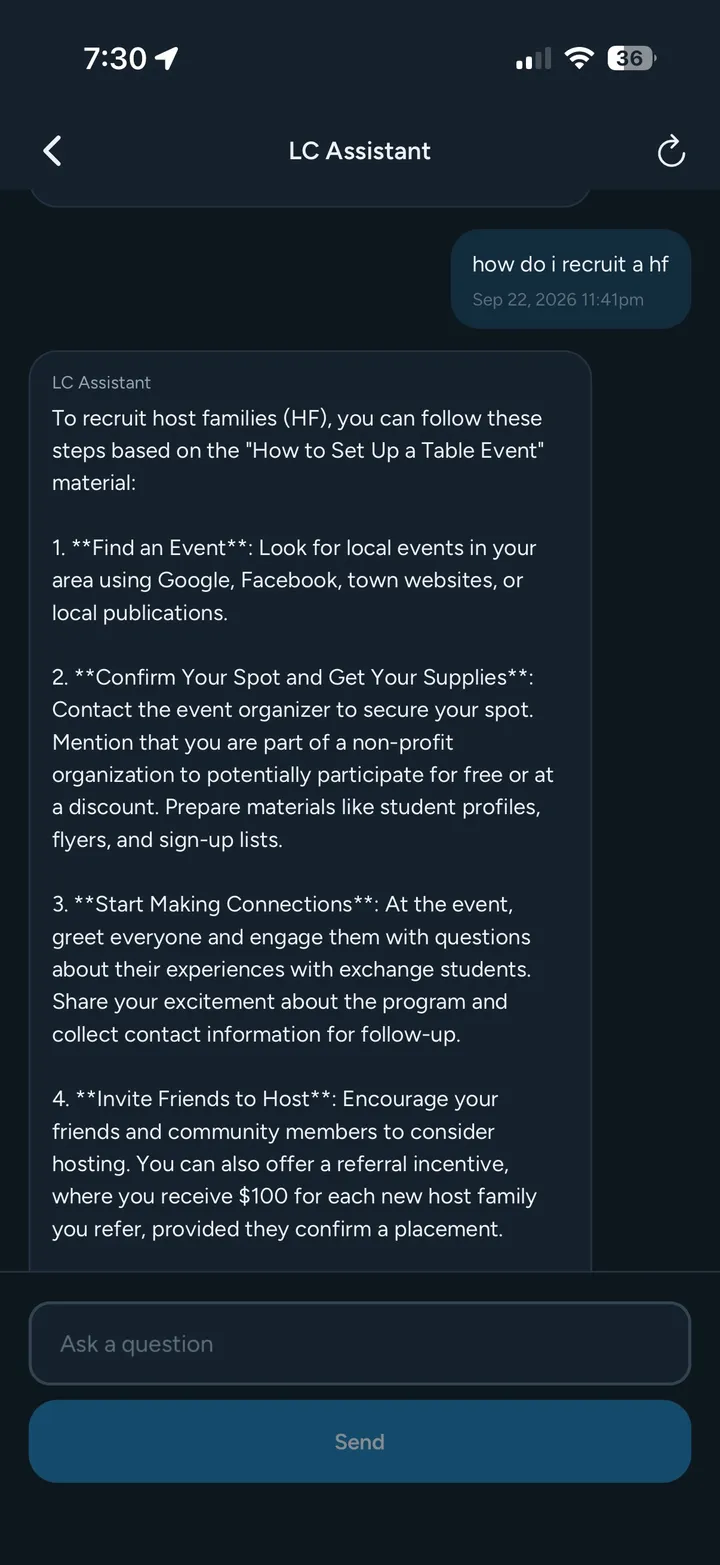
Answers questions from participants, host families and field staff using your own program documents, in the app and on the web, for the roles you choose.
You Stay in Control
You decide what each role sees
Participants, host families and field staff each see the features you have enabled for their role, exactly as on the web. Nothing is switched on without your say — and that includes the AI assistant.
See the app through their eyes
Sign in with your staff account and use View as to see the app exactly as one of your participants or host families would. Everything in View as is read-only, so nothing you tap on their behalf changes anything.
Your Own Branded App
Prefer the app to carry your brand? We can publish it with your name, your icon and your own listing on both the App Store and Google Play. It is a separate engagement with an additional cost — a short project of its own.
TALK TO USAlready Using Exlink?
Participants and host families
Install the app and sign in with the account your program gave you. Questions about signing in or using the app are answered on our support page.
Visit Support →Program staff
Install the app, sign in with your own staff account and use View as to preview it for each role. Then get in touch and we will plan the rollout with you: which roles, which features, and what to tell your participants.
Contact Us →Related Features
Book a Demo
See the Exlink platform and mobile app in action. Contact us to schedule a demo.
 Trusted by 35+ exchange program sponsors | SOC 2 Type II Certified
 Thank You!
We've received your request and will be in touch soon to schedule your demo. We look forward to showing you what Exlink can do.